
Physical therapy EHR checklist: How to choose the right software

A physical therapy EHR checklist helps you compare software against the way your practice actually works. Beyond subscription prices, consider how your team documents care, schedules recurring visits, manages payments, and prepares for growth.
Whether you are opening a PT practice or replacing an existing electronic health record (EHR), start with your requirements before reviewing vendors. A clear list makes it easier to recognize missing capabilities, compare costs, and avoid choosing a system that creates new workarounds.
Administrative demands make that decision consequential. In its 2025 administrative burden report, the American Physical Therapy Association (APTA) found that nearly 75% of survey respondents reported hiring administrative staff to keep up with administrative demands. Software selection is an opportunity to examine which tasks your team can simplify.
Use the steps below to establish priorities, compare EHR vendors, and make a final decision. The priority worksheet and comparison checklist will help you keep the evaluation focused on your own practice.
Key takeaways
- Identify your PT practice's requirements before comparing vendors, and separate must-haves from optional capabilities.
- Compare total costs, implementation assistance, security safeguards, support, and contract terms alongside software features.
- Record what each vendor demonstrates, which plan includes it, and any limitations or extra fees.
- Test your strongest options with clinicians and administrative staff, then select a system that meets every mandatory requirement.
→ Download My Free EHR (+practice management software) Buyer’s Guide for Therapists
Step 1: Identify your PT practice's EHR requirements
Start with the tasks that take too long, require duplicate entry, or regularly cause errors. Ask physical therapists, front-desk staff, and billers to contribute examples. A useful requirement describes what the team needs to accomplish, rather than simply naming a feature.
For instance, "We need better documentation" becomes more actionable as "A therapist needs to compare baseline and current functional findings without searching through multiple treatment notes." Similarly, "better scheduling" might mean changing one appointment in a recurring series without disrupting the remaining visits.
Write down your practice's specialty, patient population, payment model, number of clinicians, locations, and expected growth. An outpatient orthopedic clinic may prioritize functional outcome tracking and insurance workflows. A pediatric PT practice may put greater emphasis on caregiver communication and shared scheduling across disciplines. A cash-pay practice may prioritize invoices and payment collection over electronic claims.
For a detailed explanation of individual capabilities, see Essential EHR Features for Physical Therapy Practices. Use that guide to inform your requirements, then return to this checklist to compare your options.
Streamline your practice with One EHR
- Scheduling
- Flexible notes
- Template library
- Billing & payments
- Insurance claims
- Client portal
- Telehealth
- E-fax

Step 2: Prioritize your must-have EHR features
Assign each requirement one of three priorities. A must-have is necessary for a workflow that your practice depends on. A nice-to-have offers a useful benefit but would not determine the purchase. Not needed means the capability is outside your current requirements.
For example, authorization tracking may be a must-have for a PT clinic managing payer visit limits. It may be unnecessary for a practice that does not use insurance. Home exercise program (HEP) sharing may be essential, while a built-in exercise library could remain optional if an existing tool already works well.
EHR capability | Your priority |
PT evaluation, plan-of-care, and treatment documentation | Must-have / Nice-to-have / Not needed |
Customizable documentation templates | Must-have / Nice-to-have / Not needed |
Functional goal and outcome tracking | Must-have / Nice-to-have / Not needed |
Must-have / Nice-to-have / Not needed | |
Must-have / Nice-to-have / Not needed | |
Must-have / Nice-to-have / Not needed | |
Authorization tracking | Must-have / Nice-to-have / Not needed |
Must-have / Nice-to-have / Not needed | |
Clinical and financial reporting | Must-have / Nice-to-have / Not needed |
Multiple clinicians, roles, and locations | Must-have / Nice-to-have / Not needed |
Keep your must-have list specific enough to verify. If a system supports outcome tracking, ask whether it can handle the measures you use and display findings across an episode of care. Avoid assuming that a general feature label guarantees the workflow your clinicians need.
Step 3: Evaluate costs, implementation, security, and support
Calculate the total cost of ownership
Request a written estimate based on your actual users, patient volume, and required services. Include subscriptions, add-ons, claim and payment-processing fees, data migration, setup, training, and ongoing support.
Ask whether part-time PTs, physical therapist assistants (PTAs), and administrative users are priced differently. Confirm what happens to the monthly bill if you add clinicians or locations. For usage-based charges, use the same estimated visit and claim volumes when comparing vendors.
Separate one-time costs from recurring costs so an introductory discount does not obscure the ongoing expense. For more details, see How Much Does Physical Therapy EHR Software Cost?.
Practice Management + EHR + Telehealth
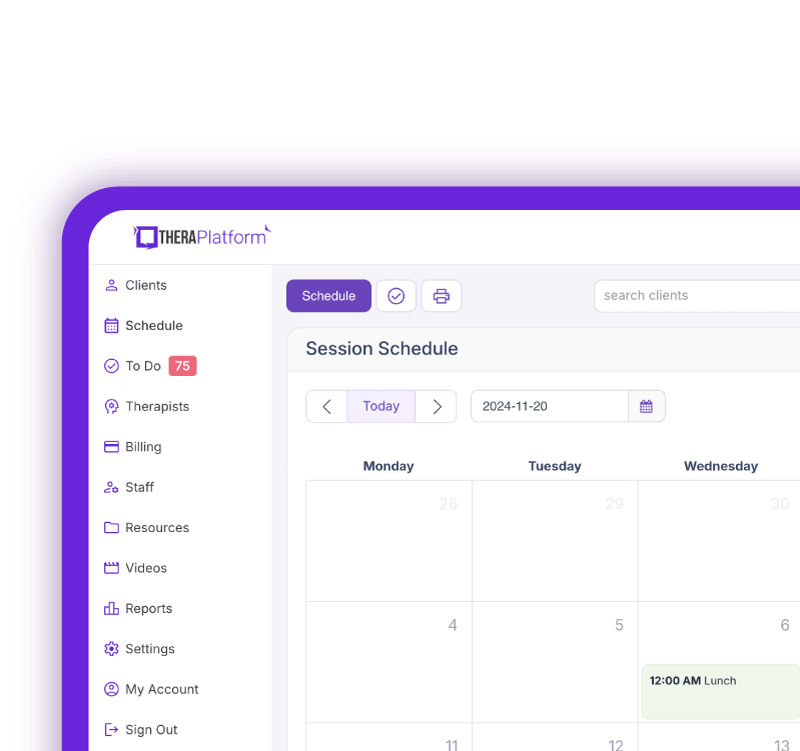
Manage more in less time in your practice with TheraPlatform
Evaluate implementation and data migration
If you are switching EHR systems, ask exactly which records can transfer. Patient demographics, signed notes, attachments, goals, authorizations, and billing balances may require different migration processes. Historical files may be available only as documents rather than editable fields.
Request a sample migration and confirm who checks it for accuracy. Establish how your team will access older records, handle appointments during the transition, and receive training before the new system goes live. Ask which setup tasks belong to your practice and which the vendor completes.
Review security and HIPAA requirements
Ask how the vendor supports your practice's privacy and security responsibilities. Review its Business Associate Agreement (BAA), access permissions, encryption, audit logs, backup procedures, and process for responding to security incidents.
For group practices, check whether PTs, PTAs, billers, and administrators can receive appropriate access. Confirm that the system can accommodate the documentation review and signature workflows applicable to your setting and payers. Include these requirements in your vendor comparison rather than relying on a general security claim.
Assess support and future growth
Find out when support is available, how to contact it, and whether onboarding assistance costs extra. Ask what happens when a billing or scheduling issue affects a busy clinic day. Consider whether your staff can access useful training after the initial rollout.
Describe your anticipated growth to each vendor. Adding a PTA, a second location, or another discipline may change permissions, documentation, reporting, and pricing. Ask the vendor to explain those changes using your proposed team structure.
Check contract and exit terms
Before committing, review the agreement's duration, renewal terms, cancellation notice, and potential price changes. Confirm whether billing services or other add-ons create separate commitments.
Ask how you can export records if you leave, which formats are available, what an export costs, and how long access continues after cancellation. Record important commitments in writing so you can compare them with the sales presentation.
Free Resources for Therapists
Click below and help yourself to peer-created resources:

Step 4: Compare physical therapy EHR vendors
Use the same requirements and practice assumptions for every vendor. In the worksheet, enter a score for each relevant criterion and add notes about plan restrictions, extra fees, and unresolved questions.
Use this scoring scale: 0 means not available, 1 means limited support or a substantial workaround, 2 means meets your practice's needs, and 3 means exceeds those needs in a way your team would use. Leave untested items blank and mark irrelevant criteria as not needed.
Evaluation area | Vendor A | Vendor B | Vendor C |
PT documentation and functional goal tracking | |||
Scheduling, intake, and patient communication | |||
Billing, payments, and authorizations | |||
Ease of use across staff roles | |||
Implementation and ongoing support | |||
Total cost and overall value |
Score vendors after testing them, using the detailed worksheet to retain the evidence behind your assessment. For example, note whether an authorization balance updates automatically, needs manual entry, or requires another system. Those distinctions are more useful than a simple checkmark beside "authorization tracking."
A high score in optional features should not outweigh a missing must-have. Set aside any system that cannot meet a mandatory requirement, or resolve the gap before including it in your final comparison.
Step 5: Test your top EHR options
Schedule demonstrations or trials with the vendors that meet your initial requirements. Give each vendor the same short list of PT workflows so you can compare how the systems handle equivalent tasks.
Test connected activities, such as completing an evaluation, creating goals, scheduling recurring visits, and preparing a treatment note for billing. Include clinicians and administrative staff. Each person should record where the workflow was straightforward, where help was required, and what remained untested.
Use hypothetical patient information for initial demonstrations. For practical scenarios and a fuller question list, see Questions to Ask During a Physical Therapy EHR Demo.
If a capability is promised for a future release, record it separately from what is available now. Make your decision using the functions your practice can actually test and use.
Step 6: Make your final EHR decision
Bring your completed worksheets, written quotes, and team feedback together. Review any differences between what the vendor promised and what your staff observed.
Before signing an agreement:
- Confirm that every must-have requirement is met, including the appropriate plan or add-on.
- Compare total costs using the same staffing and usage assumptions.
- Resolve unanswered questions about security, data access, billing workflows, and contract terms.
- Agree on migration responsibilities, training, and a realistic implementation schedule.
- Select the system your team can use effectively within your budget and expected growth.
Keep the worksheet as a record of why you chose the software. During implementation, use it to check that the workflows you evaluated have been configured and that staff know how to use them.
When you are ready to evaluate TheraPlatform's physical therapy software, start a 30-day free trial. Bring your checklist and test the documentation, recurring scheduling, and administrative workflows that matter most to your PT practice.
Streamline your practice with One EHR
- Scheduling
- Flexible notes
- Template library
- Billing & payments
- Insurance claims
- Client portal
- Telehealth
- E-fax
Resources for physical therapists
TheraPlatform is an all-in-one EHR, practice management, and teletherapy software with AI-powered notes built for therapists to help them save time on admin tasks. It offers a 30-day risk-free trial with no credit card required and supports different industries and sizes of practices, including physical therapists in group and solo practices.
More resources
- Therapy resources and worksheets
- Therapy private practice courses
- Ultimate teletherapy ebook
- The Ultimate Insurance Billing Guide for Therapists
- The Ultimate Guide to Starting a Private Therapy Practice
- Insurance billing 101
- Practice management tools